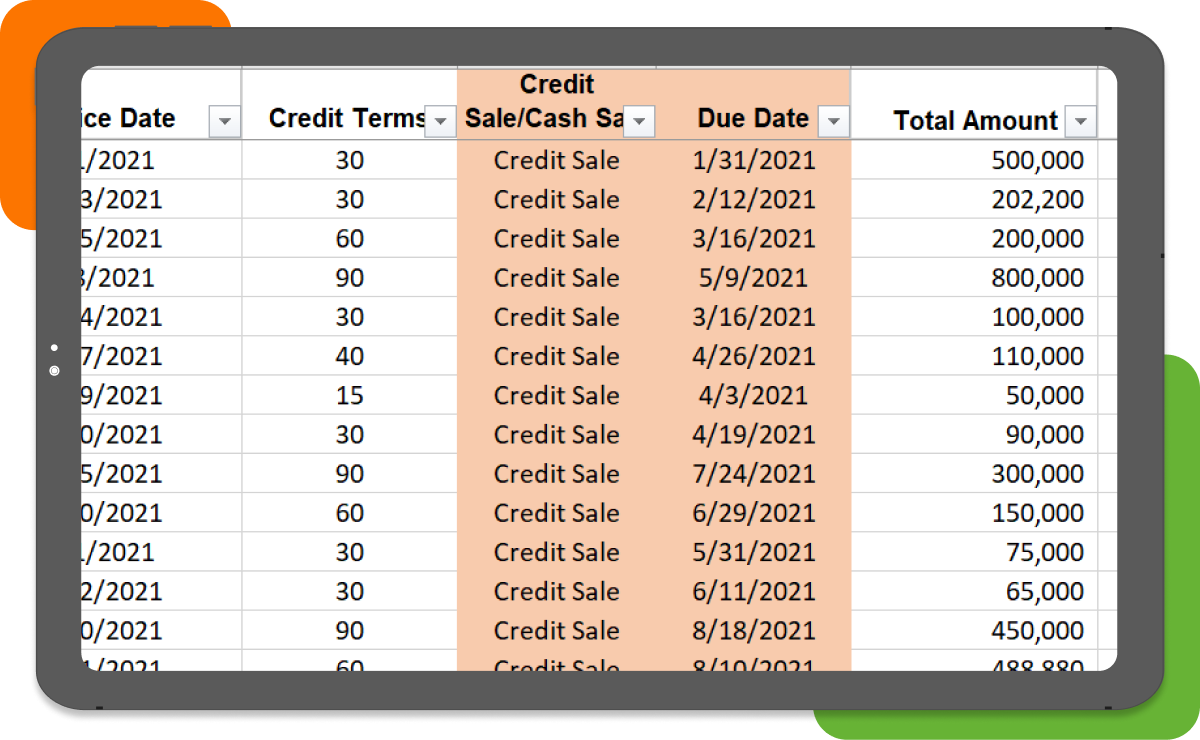
Accounts receivable dashboards are visual representations of key performance indicators (KPIs) related to a company’s accounts receivable. They provide real-time data on metrics such as outstanding balances, average collection periods, and customer payment trends. By monitoring these KPIs, businesses can identify areas for improvement and make data-driven decisions to optimize their accounts receivable processes.
Accounts Receivable Dashboard Template made in Excel or on spreadsheets can be used by individuals and companies without IT support and heavy investments. Our free Accounts Receivable Dashboard is an Excel-based template and runs on all versions of Microsoft Excel 2010 and above.
Why Finance Teams Use AR Dashboard Templates
Manual tracking of receivables KPIs across spreadsheets creates delays, inconsistencies, and limited visibility into cash flow.
This Excel dashboard template helps standardize KPI tracking, improve visibility, and support faster decision-making.
Why Finance Teams Use AR Dashboard Templates
Excel-based dashboards require manual updates, lack real-time data integration, and become difficult to manage as transaction volumes increase.
The major KPIs/metrics covered in our free accounts receivable Excel template are:
| KPI |
What It Measures |
| DSO |
Average collection period |
| Aging |
Overdue receivables |
| Collection Effectiveness |
Recovery efficiency |
| Invoice Cycle Time |
Billing efficiency |